WhatsApp Quick Replies on a Computer
WhatsApp's help page says quick replies are not on the web app. A semicolon shortcut can still insert a saved reply in WhatsApp Web.
WhatsApp's help page says quick replies are not available on the web app. On a computer, you can still insert a saved reply in WhatsApp Web by typing a semicolon shortcut in the message box. That shortcut is not WhatsApp's phone feature. It is a text expander running in Chrome.
Key points
- WhatsApp documents quick replies for supported phones. The help page says the feature is not available on the web app.
- In WhatsApp Web, type a shortcut such as
;omwin the message box. - The phone's quick-reply list and the browser shortcut are separate.
- The Chrome shortcut does not run inside the WhatsApp app on a phone.
- The same shortcut can also expand in Gmail or Slack in the browser.
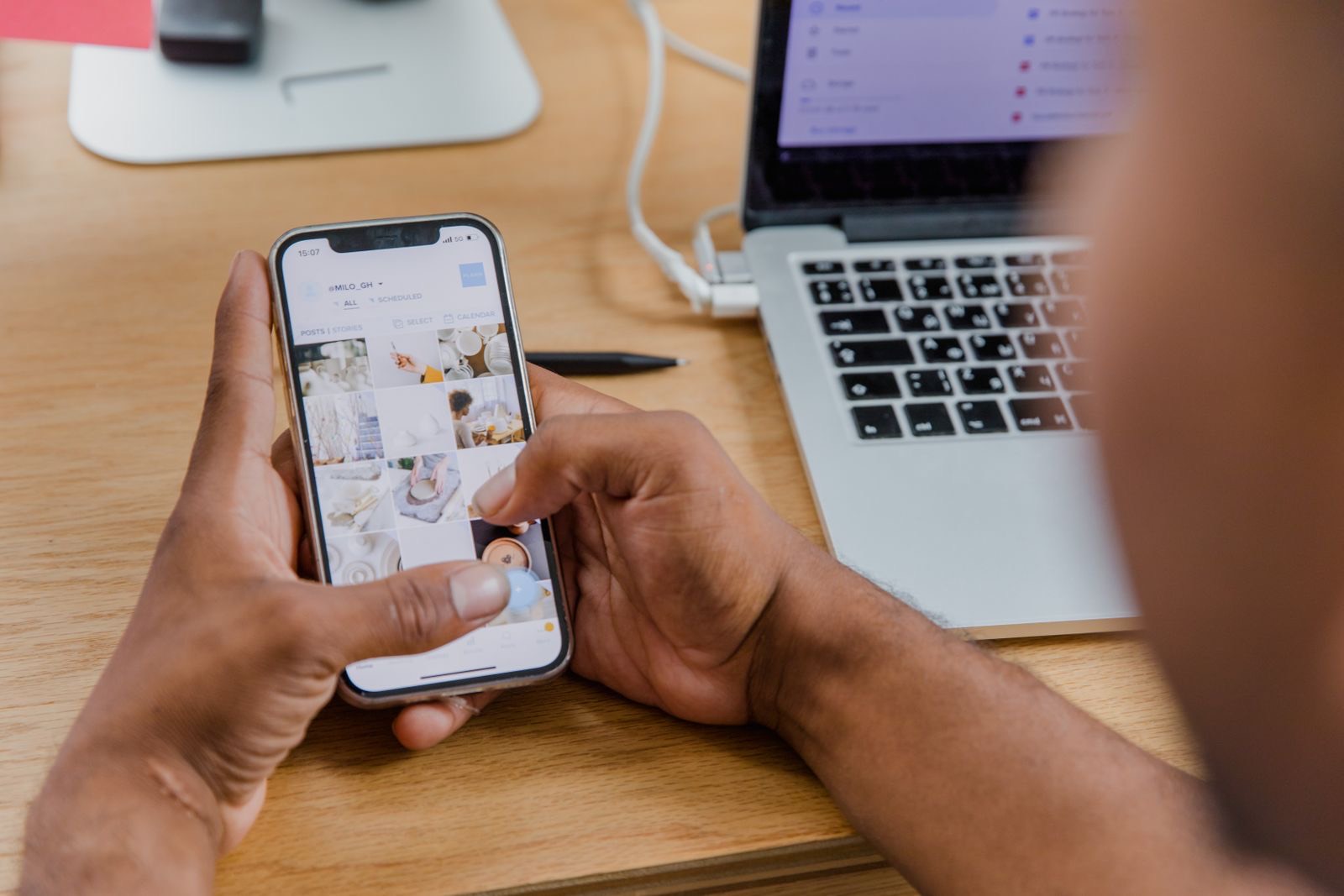
Photo: RDNE Stock project / Pexels
What WhatsApp says about the web app
On a phone, WhatsApp's own help topic describes quick replies inside a chat. You pick a saved message and it lands in the text field, where you can edit it before you send. That is a real WhatsApp feature, on the devices that help page lists.
Open the same help topic for the web app and WhatsApp says the feature is not available there. WhatsApp Web will not show you that quick-reply list. Waiting for the paperclip menu on the computer does not create it.
Use a shortcut in WhatsApp Web
- Save the finished reply once, with a shortcut that starts with
;. - Open WhatsApp Web in Chrome and click the message box.
- Type the shortcut after a space, or on its own.
- The shortcut is replaced with the full reply. Change a name or a time if you need to, then send.
You type ;omw. The box receives: "On my way — be there in 10 minutes."
Snipzy does this as a text expander in Chrome. WhatsApp does not have to add quick replies to the web app for the shortcut to work, because the replacement happens in the text field.
The phone list is a different list
A quick reply you saved inside the WhatsApp app on your phone stays in that app. It does not become a Gmail reply, and it does not appear in WhatsApp Web's menus. A semicolon shortcut saved in the browser is the other direction: it works in the Chrome text boxes you use, including WhatsApp Web, and it does not run inside the phone app.
If you also write the same lines in Gmail or Slack, save the reply once and use it in each of those boxes. That cross-app step is in How it works.

Photo: Christina Morillo / Pexels
Try it in the browser
On snipzy.tech, type ;omw or ;thanks in the demo and the full line replaces the shortcut. Add Snipzy from the Chrome Web Store when you want the extension. It runs in WhatsApp Web in Chrome. It does not run in the WhatsApp app on a phone. See how it works for a walkthrough. For a full library of reusable saved replies — customer support, sales, recruiting, social DMs — see canned responses.
Frequently asked questions
Do WhatsApp quick replies work on a computer?
WhatsApp's help page says quick replies are not available on the web app. A text expander can still insert a saved reply in the WhatsApp Web message box in Chrome.
Are WhatsApp quick replies the same as a semicolon shortcut?
No. The phone quick reply is WhatsApp's own list. A semicolon shortcut is saved in the browser and typed into the message box.
Can I use the same reply in WhatsApp Web and Gmail?
Yes. Save it once with a semicolon shortcut. Type that shortcut in WhatsApp Web or in Gmail.
Does this run in the WhatsApp app on my phone?
No. The Chrome shortcut runs in WhatsApp Web. It does not run inside the WhatsApp app on a phone.